Make old phone videos HD again
Old phone videos from the first camera phones are tiny and soft on today's screens. Restoration rebuilds people, cars and buildings and brings them back at 1080p.


2 credits per second of video, at least 20 per video. Credit packs from $5. The video uploads only when you start it in the cloud.
The upload is deleted as soon as the job ends, and the result stays downloadable for 7 to 30 days, depending on your pack. We never use your videos to train models. Refund policy
Watch old videos come back sharp
Each clip is a real old recording restored in our cloud. Drag the line to compare.
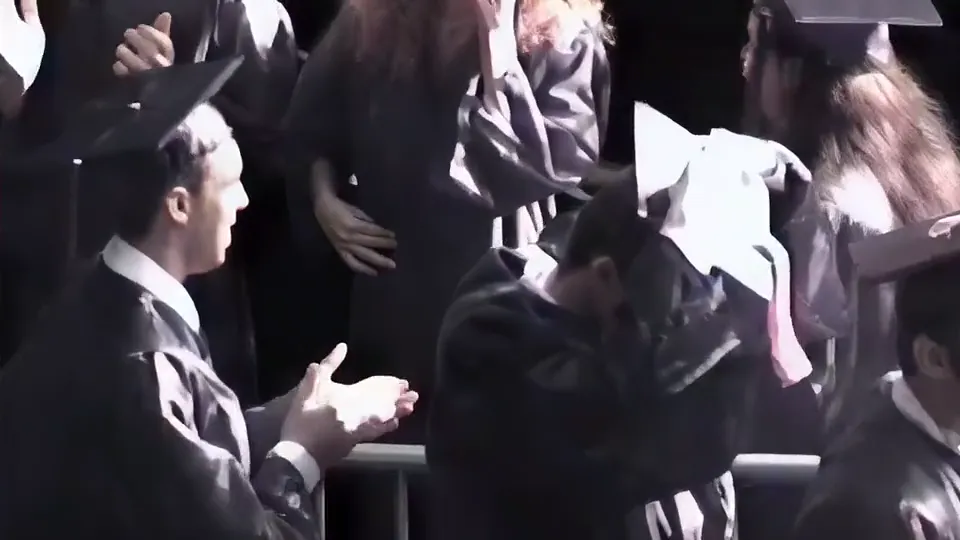
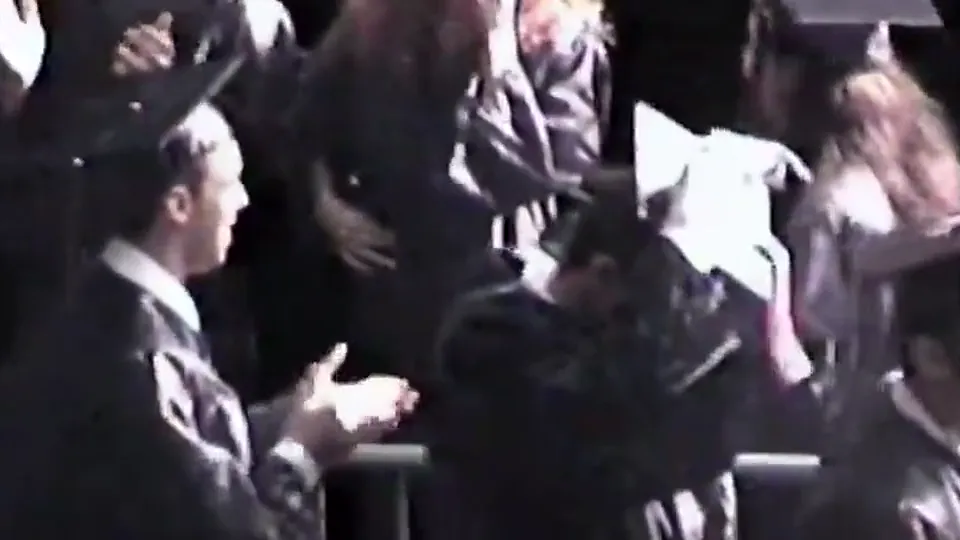
A graduation filmed on a family camcorder. Faces, hair and hands come back sharp and still look like the same people.
Will this fix your old phone video?
- Best for
- Clips from early camera phones at 144p to 480p, MP4, MOV or WebM.
- On a phone
- Restoration runs in the cloud, so a phone works too: pick the file from your gallery or Files and start it. The phone only uploads it. On an iPhone, if the clip is only in iCloud, open it in Photos first so it downloads.
- On a computer
- Drop the file from your backup folder. Nothing uploads until you start it in the cloud.
- Clips from 2013 or later
- Most are 720p or 1080p. See a 1080p phone video that looks blurry.
Why early phone videos look so bad now
Camera phones from the 2000s and early 2010s recorded far smaller video than today's.
- Tiny frames
- Early phones recorded 176 × 144, 320 × 240 or 640 × 480. A 1080p screen is 2 to 7 times taller than that.
- Heavy compression
- Small sensors and strong compression turned detail into blocks and smears. A normal resize only makes the blocks bigger.
- Low light
- Indoor and night clips are dark and grainy. Restoration rebuilds shapes, but it cannot invent detail that never reached the sensor.
- Old file types
- Convert 3GP and AVI files to MP4 first, for example with VLC or HandBrake. MP4, MOV and WebM go straight in.
The sample above is an early 720 × 480 phone video of a tram (source by Faridzaaroura, CC BY-SA 4.0; the restored frame is shared under the same licence): a normal resize on the left, our cloud restoration on the right, from our 14 Nov 2026 test. The tram, windows and cars came back with clean outlines. In the same test, a 2012 phone clip of a night crowd at 176 × 144 came back with recognisable people, with some texture drawn in by the AI.
How to enhance an old phone video
- Find the original file Look on the old phone, its memory card or your computer backups. A copy sent through a messaging app is smaller still.
- Drop it here The tool reads the size and length and shows the credits and the time before you upload.
- Restore it in the cloud The clip comes back at 1080p, in the shape of the original, with its sound.
- Share or keep it Download the MP4 and put it back in your photo library next to the original.
What restoring an old phone video costs
Old phone clips are usually short, so most cost little.
- 20 creditsminimum per video, covers 10 seconds
- 2 creditsper second after that
- 60 creditsfor a 30 second clip
- $5300 credits, 2.5 minutes of video
More old phone and small video fixes
Questions about old phone videos
How can I improve the quality of old phone videos?
Use the original file from the old phone or a backup, then restore it here. AI rebuilds people and objects and brings early 480p and smaller clips back at 1080p.
Can I upscale 3GP videos?
Convert the 3GP file to MP4 first, for example with VLC or HandBrake, then drop the MP4 here.
Will it fix dark, grainy night videos?
It rebuilds shapes and outlines, so people and objects become clearer, but detail that never reached the sensor is drawn by the AI. Check the result before you share it.
How much does it cost to restore an old phone video?
2 credits per second, at least 20 per video, so a 30 second clip uses 60 credits. Credit packs start at $5 for 300 credits.