Restore old film footage from 8mm, Super 8 and 16mm scans
Restore old film footage, from home movies to archive reels, that only survives as small, soft video copies. Restoration rebuilds faces and detail and brings the film back at 1080p.
2 credits per second of video, at least 20 per video. Credit packs from $5. The video uploads only when you start it in the cloud.
The upload is deleted as soon as the job ends, and the result stays downloadable for 7 to 30 days, depending on your pack. We never use your videos to train models. Refund policy
Watch old videos come back sharp
Each clip is a real old recording restored in our cloud. Drag the line to compare.
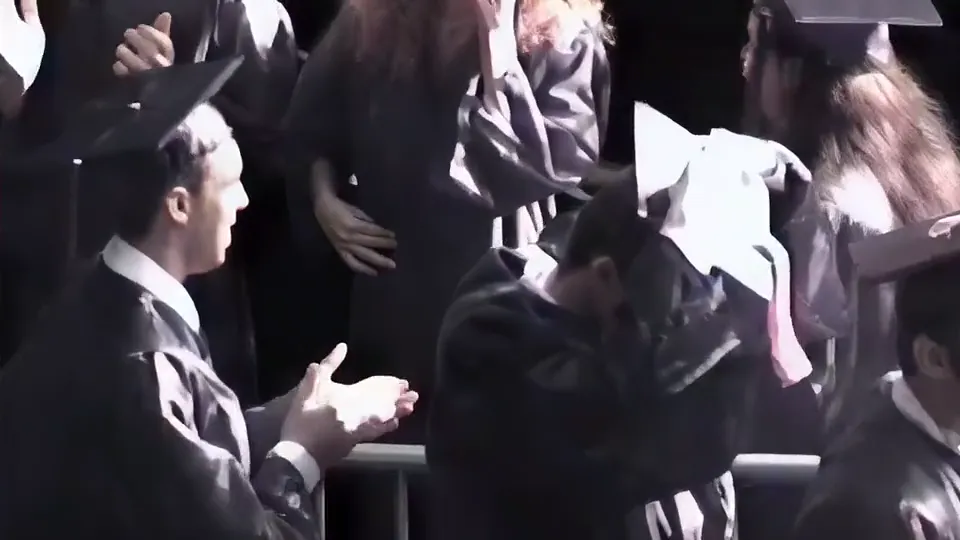
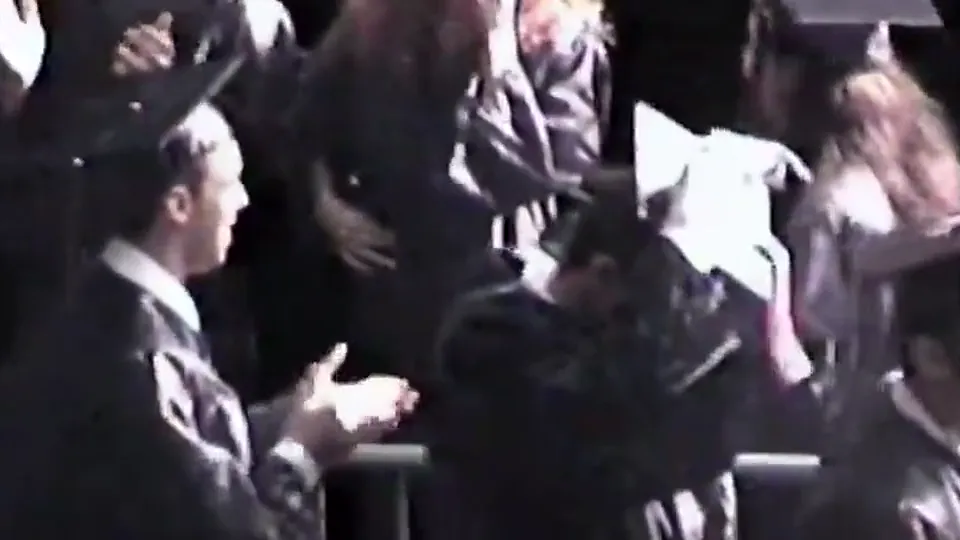
A graduation filmed on a family camcorder. Faces, hair and hands come back sharp and still look like the same people.
Will this fix your old film footage?
- Best for
- Video copies of film at 576p or below: old telecine transfers, VHS or DVD copies and small web copies.
- On a computer
- Drop the file from your capture folder. Nothing uploads until you start it in the cloud, and we email you when it is done.
- On a phone
- Restoration runs in the cloud, so a phone works too: pick the file from your gallery or Files and start it. The phone only uploads it.
- Fresh HD or 4K scans
- They are already sharp. Keep them, or make them 4K.
Which film copies restoration helps
Restoration takes video files up to 576p. Many old film copies are that small or smaller.
- Old telecine transfers
- Film that was copied to VHS or DVD years ago, then digitized, is usually 480p or 576p and soft. This is where restoration helps most.
- Low resolution web copies
- Archive clips saved from the web at 360p or 480p come back at 1080p with faces you can recognise.
- Fresh HD or 4K scans
- A new frame-by-frame scan is already sharp. Keep it as it is, or take it to 4K with the 4K upscaler.
- Dust, scratches and flicker
- Restoration rebuilds detail and keeps it steady from frame to frame. It is not a scratch remover, so heavy dust and splices stay visible.
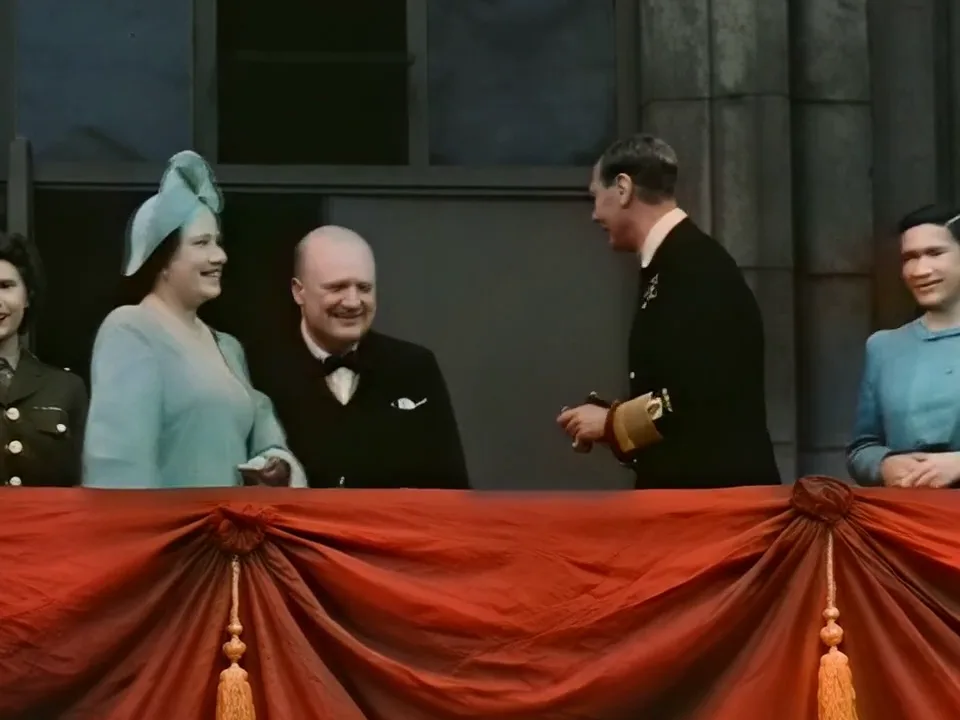
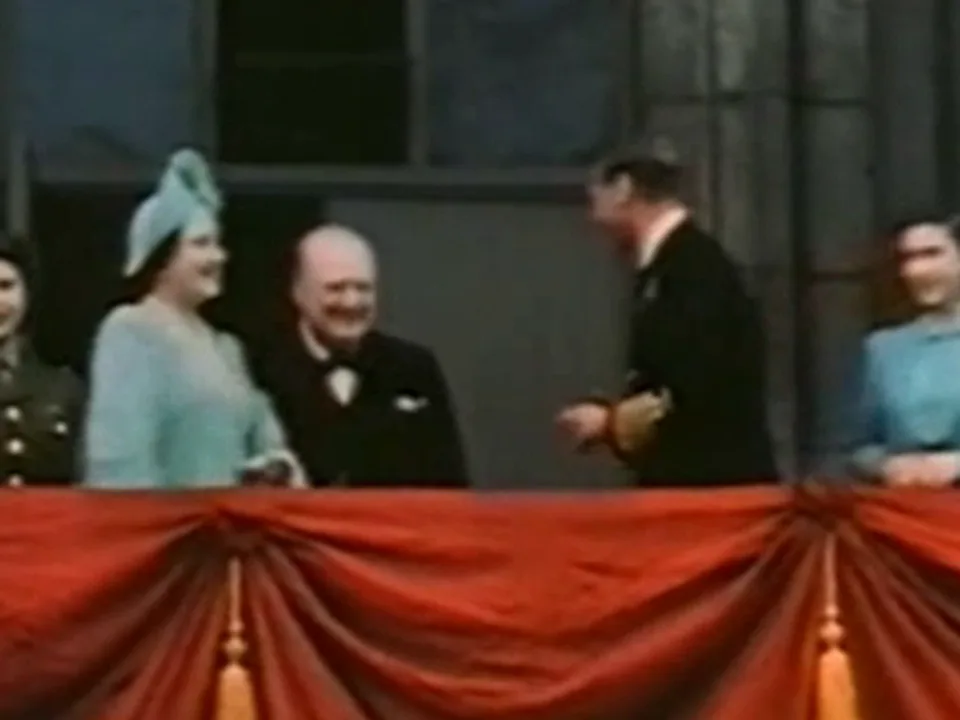
The sample above is a 480p copy of the 1945 colour film of Churchill, King George VI and the royal family on the Buckingham Palace balcony on VE Day (public domain), from our 14 Nov 2026 test: a normal resize on the left, our cloud restoration on the right. The faces came back recognisable at 1080p. The detail is rebuilt by AI from what the film copy shows.
How to restore old film footage
- Get a video file of the film Use the transfer you already have, or have the reels scanned. Save the file as MP4, MOV or WebM.
- Drop it here The tool checks the size and length and shows the credits and the time before anything is uploaded.
- Restore it in the cloud The film comes back at 1080p at its own frame rate, 1440 × 1080 for 4:3 film. We email you when it is ready.
- Keep the original Restoration makes a new copy. Keep the reels and the original scan.
What restoring old film costs
- 2 creditsper second of film, at least 20 per video
- 120 creditsper minute of film
- about 10 minof processing per minute of film
- $5300 credits, 2.5 minutes of film
More old footage to restore
- Restore old video from VHS tapes, camcorders and early phonesOld video restoration, with three sample videos to compare.
- VHS to HD: make your digitized tapes sharp at 1080pFilm that was copied to VHS, and VHS home videos.
- Free 4K video upscaler: upscale video to 4K with AISharp HD scans that should fill a 4K screen.
Questions about restoring old film
Can AI restore old 8mm film?
Yes, from a video copy of the film. Restoration rebuilds faces and detail and brings 480p or 576p copies back at 1080p. In our test on a 1945 colour film, the people on the balcony came back recognisable.
Does it remove scratches and dust?
It rebuilds detail and steadies the picture, but it is not a scratch remover. Heavy dust, scratches and splices stay visible.
Does it colorize black and white film?
No. Restoration sharpens the picture and matches the colours to your video; it is not a colorizer.
My film scan is already HD. What should I use?
Restoration is made for copies up to 576p. A sharp HD scan can go to 4K with the 4K upscaler, free in your browser on a computer.
What does it cost?
2 credits per second, at least 20 per video, so one minute of film uses 120 credits. Credit packs start at $5 for 300 credits.