Wedding video enhancer: improve an old or blurry wedding video
A wedding video enhancer for every era. Wedding videos on VHS, camcorder tape or DVD come back sharp at 1080p, with faces rebuilt. Newer HD wedding films can go to 4K for a big TV.
2 credits per second of video, at least 20 per video. Credit packs from $5. The video uploads only when you start it in the cloud.
The upload is deleted as soon as the job ends, and the result stays downloadable for 7 to 30 days, depending on your pack. We never use your videos to train models. Refund policy
Watch old videos come back sharp
Each clip is a real old recording restored in our cloud. Drag the line to compare.
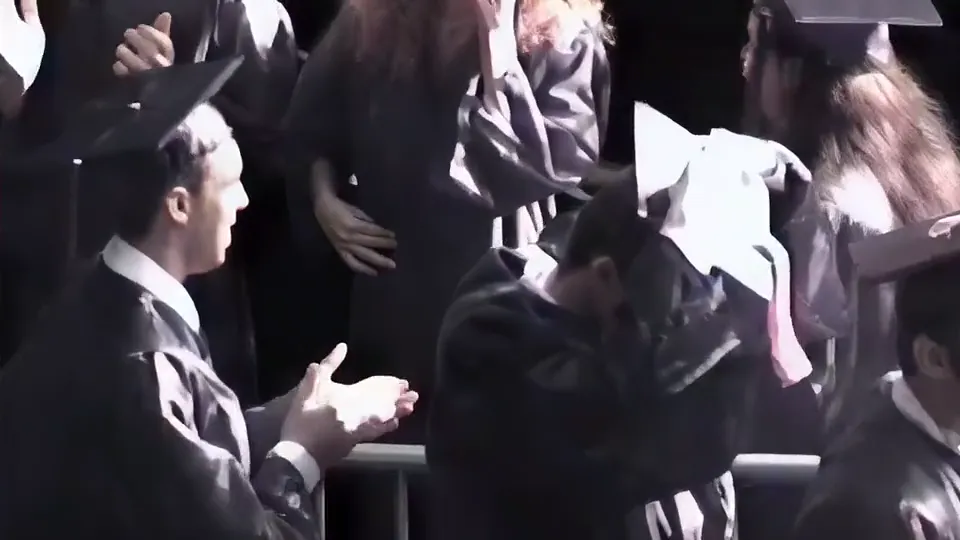
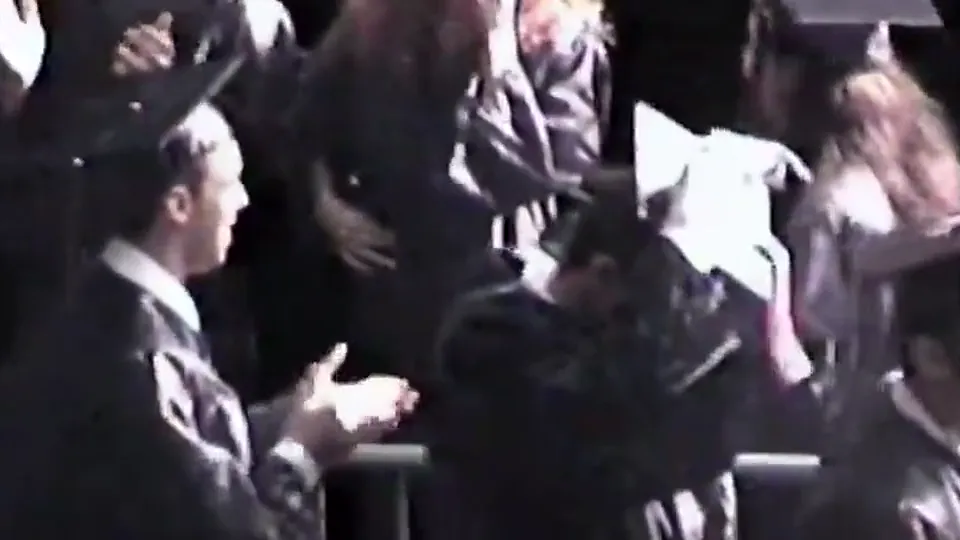
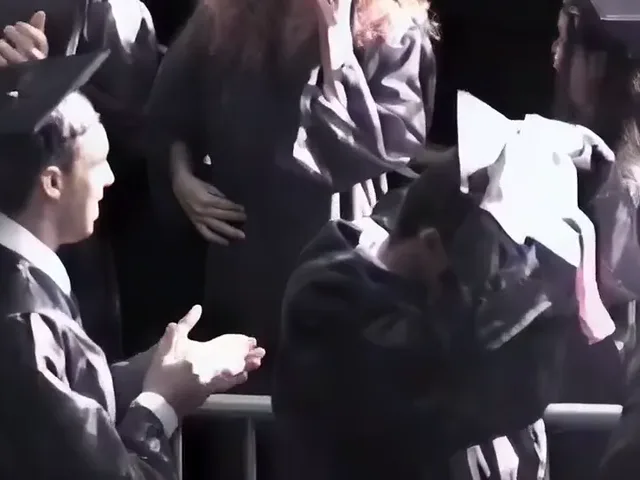
A graduation filmed on a family camcorder. Faces, hair and hands come back sharp and still look like the same people.
Will this fix your wedding video?
- Best for
- Wedding videos on VHS, camcorder tape or DVD, up to 576p, rebuilt at 1080p in the cloud.
- On a computer
- Drop the file. Videos sharper than 576p get a button to make them bigger in the cloud; for free 1080p or 4K, use the upscaler pages linked below.
- On a phone
- Restoration runs in the cloud, so a phone works too: pick the file from your gallery or Files and start it. The phone only uploads it.
- Shaky or motion blurred
- Restoration sharpens detail; it keeps the camera movement as it was filmed.
Pick the path for your wedding video
The tool above reads your file's size. Restoration takes videos up to 576p; sharper ones get more from an upscale.
- Tape or DVD, up to 576p
- Weddings from the 1980s to the 2000s. Old video restoration rebuilds faces, dresses and the room and brings the video back at 1080p in the cloud.
- An early digital camera or phone, 480p to 720p
- Clips up to 576p go to restoration. 720p clips get more from the free AI upscaler to 1080p, which runs in your browser.
- Full HD, 1080p
- Take it to 4K for a big TV, free in your browser on a computer, or in minutes in the cloud from any device.
- Shaky or blurred by motion
- Restoration and upscaling sharpen detail. They do not steady a shaky camera or undo blur from fast movement.
The sample above is a 2001 family event filmed on a home camcorder (Dyson Family Hi-8 Tapes on the Internet Archive, CC0): a normal resize on the left, our cloud restoration on the right, from our 14 Nov 2026 test. Faces, hair and hands came back sharp and still look like the same people.
How to enhance a wedding video
- Get the best copy you have The original tape capture or the DVD files beat a copy shared online or through a messaging app.
- Drop it here The tool reads the size and length and shows the credits and the time. A video sharper than 576p gets a button to upscale it in the cloud instead.
- Run it Cloud jobs email you when they finish. For free 1080p or 4K that stays on your computer, use the upscaler pages linked above.
- Add clean sound Tick Also remove background noise for speeches and vows in a noisy room, at no extra credits.
Cost for a wedding video
Credits count the length of video you upload, and you see the number before you start.
- 2 creditsper second to restore tape or DVD video
- 3,600 creditsto restore a 30 minute ceremony
- 3 creditsper second for 4K in the cloud
- Free1080p and 4K in your browser on a computer
More wedding video fixes
Questions about enhancing wedding videos
Can I improve the quality of an old wedding video?
Yes. Wedding videos on VHS, camcorder tape or DVD are up to 576p, the size old video restoration is made for. It rebuilds faces and detail and brings them back at 1080p.
My wedding video is already HD. Can it look better?
Take it to 4K for a big TV. The free tool makes 4K in your browser on a computer, and the cloud does it in about 3 minutes per minute of 1080p.
Is my wedding video private?
Free processing never leaves your browser. In the cloud, your file is deleted as soon as it is processed, the result is kept for 7 to 30 days for you to download, and we never use videos to train models.
How much does restoring a full ceremony cost?
2 credits per second, so 30 minutes uses 3,600 credits; the $50 pack has 4,000 credits. Each file can be up to 30 minutes, within your pack's limit.
Can it fix a shaky wedding video?
No. It sharpens detail but does not steady the camera or remove motion blur.